


The Fastest and Most Versatile QR & Barcode Scanner
In today's digital age, interacting with codes is a daily necessity. QRBarcode is an incredibly fast, lightweight, and powerful iOS application designed to scan, read, and even generate a vast array of code formats. Whether you need to quickly scan a restaurant menu, read a product barcode in a store, or generate a custom QR code for your business card, this app is the only scanning tool you will ever need.
Support for Over 30 Formats
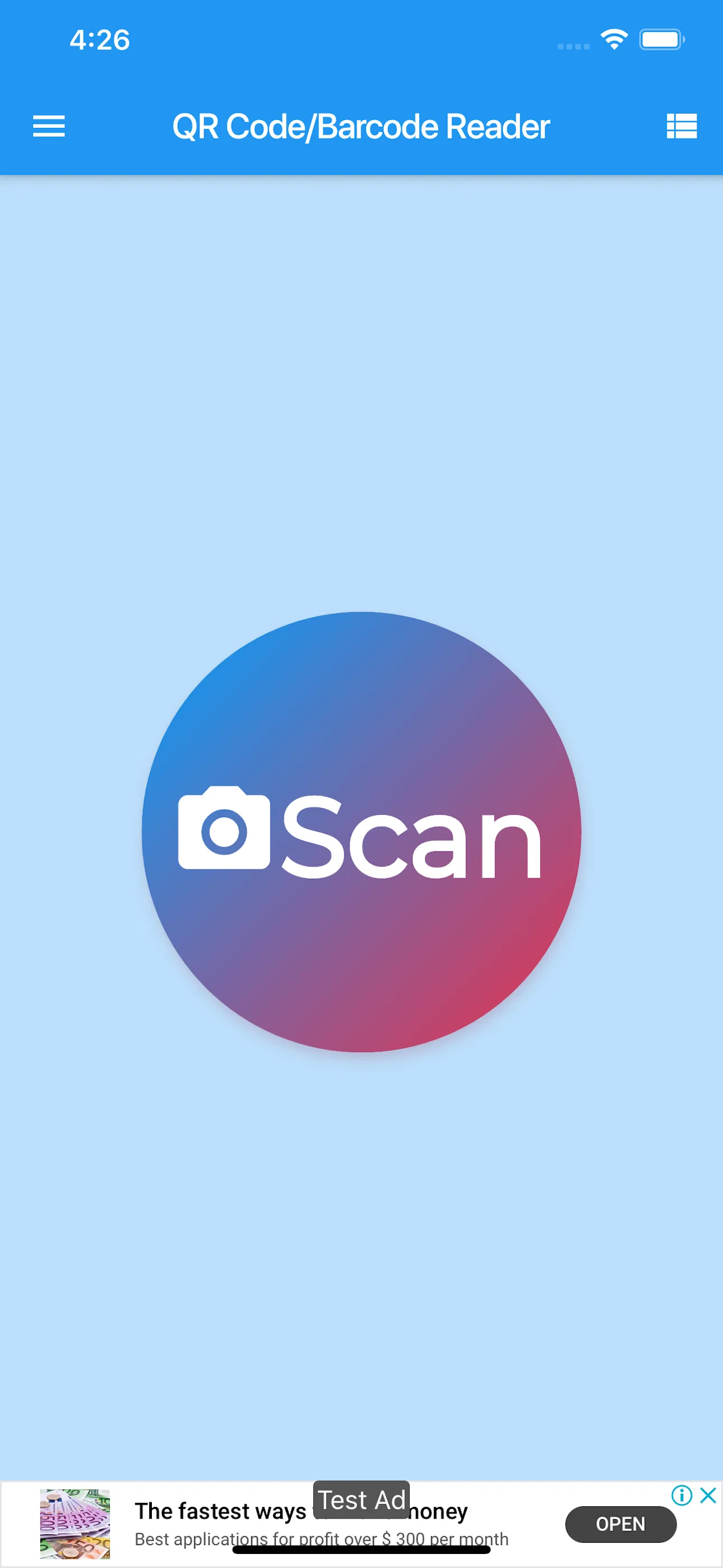
Unlike basic scanners that only handle standard QR codes, QRBarcode is a professional-grade utility. It supports over 30 different formats, including traditional QR Codes, Datamatrix, PDF417, Aztec, EAN-8, EAN-13, ISBN for books, and even Google Authenticator formats. The lightning-fast scanning engine recognizes codes instantly, even in low-light conditions or at awkward angles.
Powerful History and Generation Tools
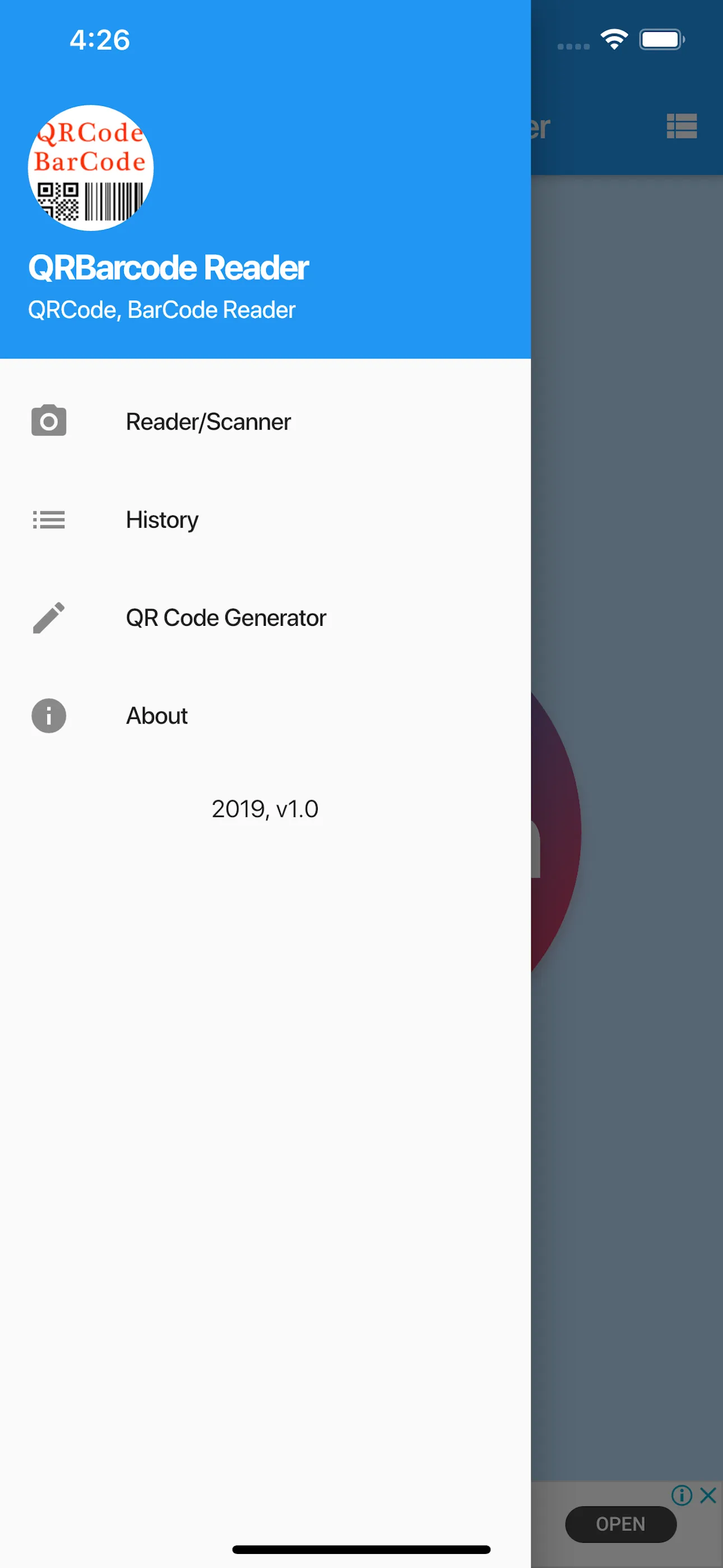
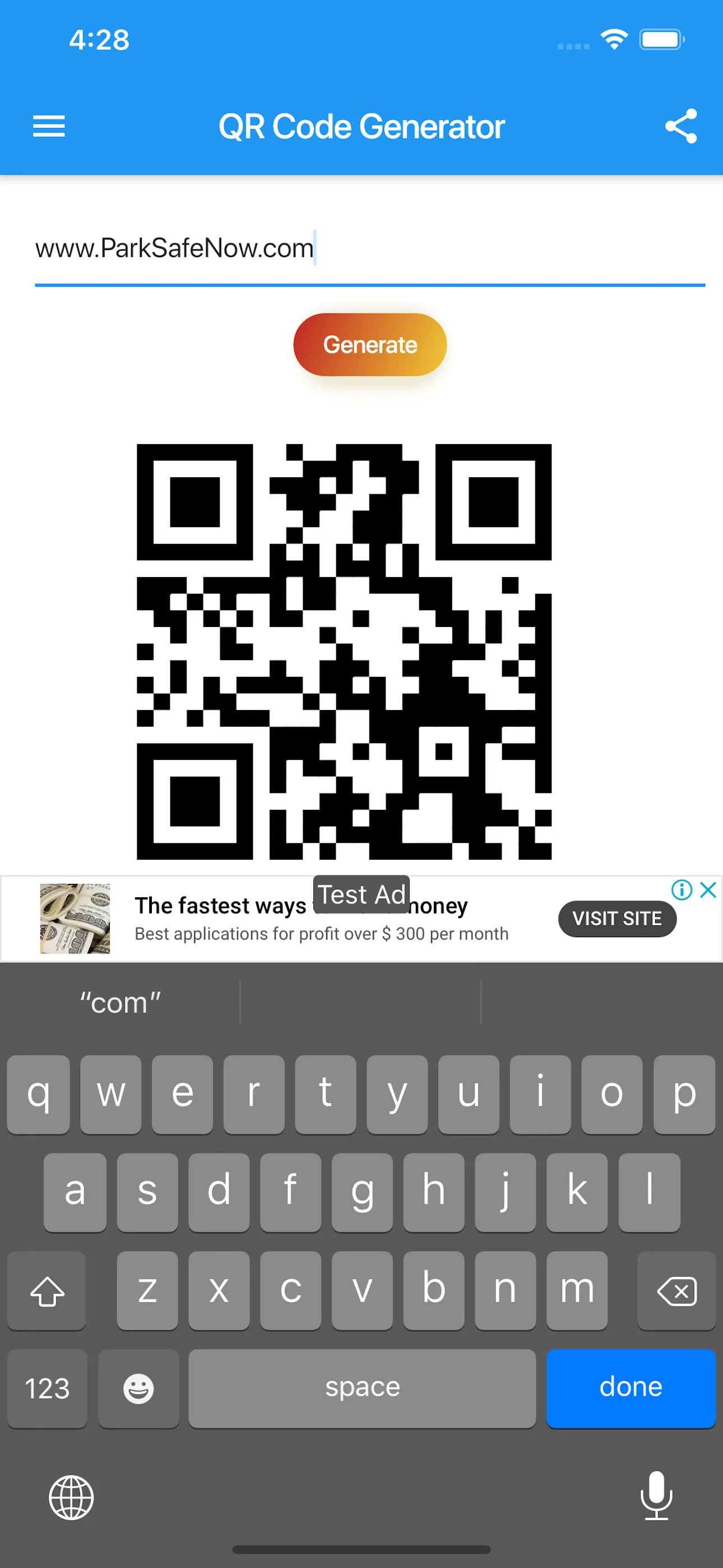
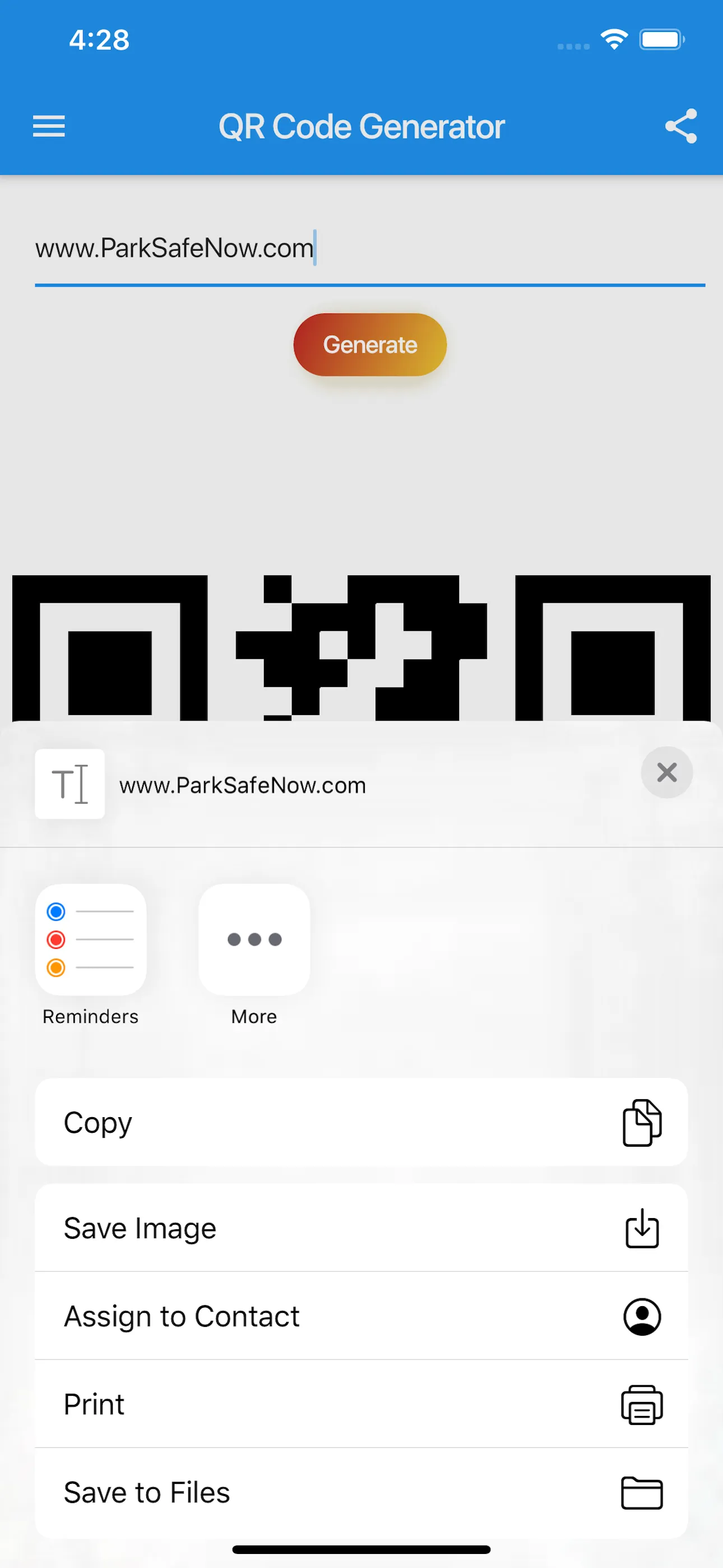
Never lose a scanned link again. The app features a powerful, searchable history management system that automatically tracks and saves all your scans. Furthermore, QRBarcode isn't just a reader; it's a creator. Easily generate your own custom QR codes for URLs, text, Wi-Fi passwords, or contact information, and share them instantly with friends or clients directly from the app.