



Exam Timer PRO: Effortless, Easy icon

Get high scores on your exams

Exam Timer PRO: Effortless, Easy

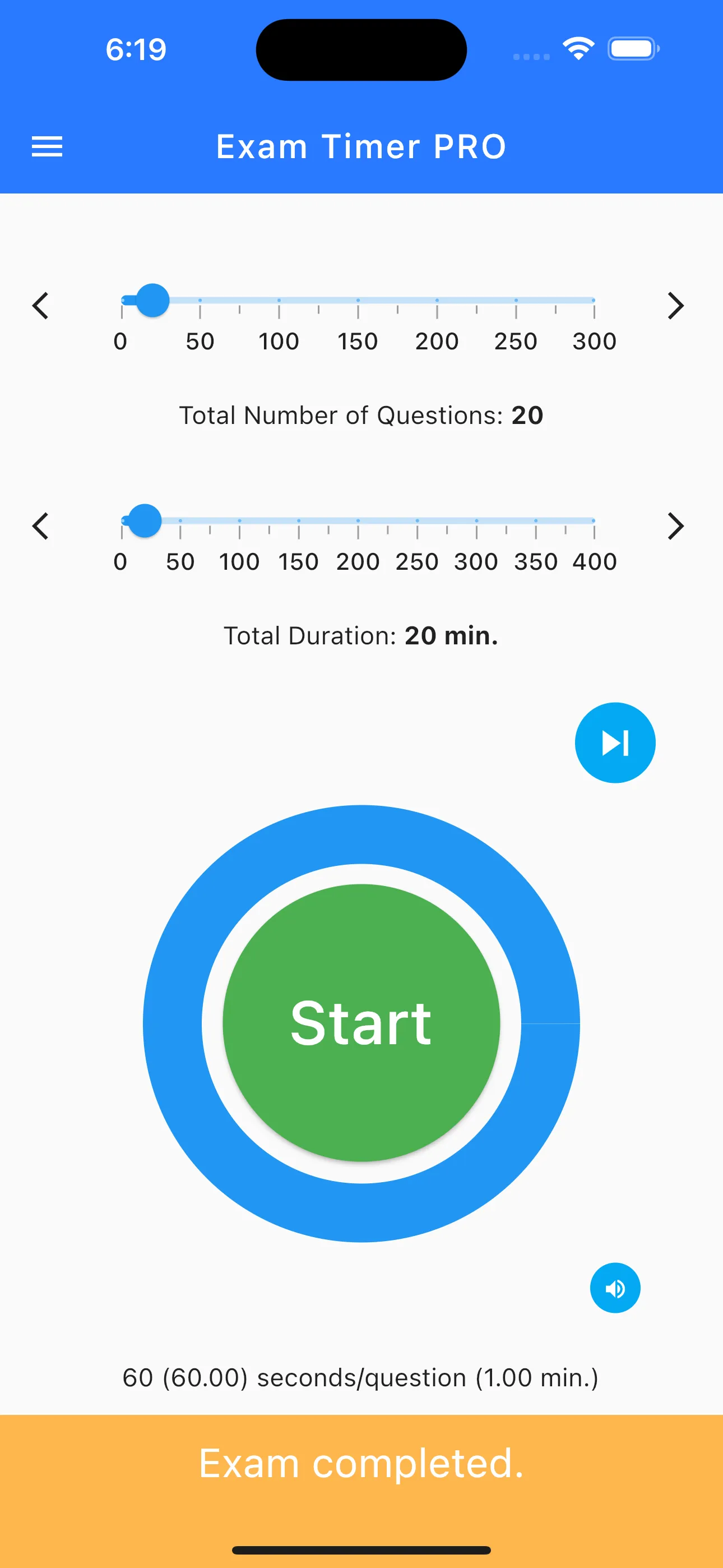
Exam Timer PRO: Effortless, Easy screenshot 1
Exam Timer PRO: Effortless, Easy screenshot 2
Exam Timer PRO: Effortless, Easy screenshot 3
Exam Timer PRO: Effortless, Easy screenshot 4
Exam Timer PRO: Effortless, Easy screenshot 5

Get High Scores with the Premium Exam Pacing Tool

Take your test preparation to the next level with Exam Timer PRO: Effortless, Easy. Evaluating the exam period effectively is crucial for success, and this ad-free premium version of our popular timing tool provides the ultimate distraction-free environment. Start your race against time with plenty of practice, utilizing our advanced graphical pacing system to ensure you maximize your score potential on test day.

Ad-Free, Distraction-Free Focus

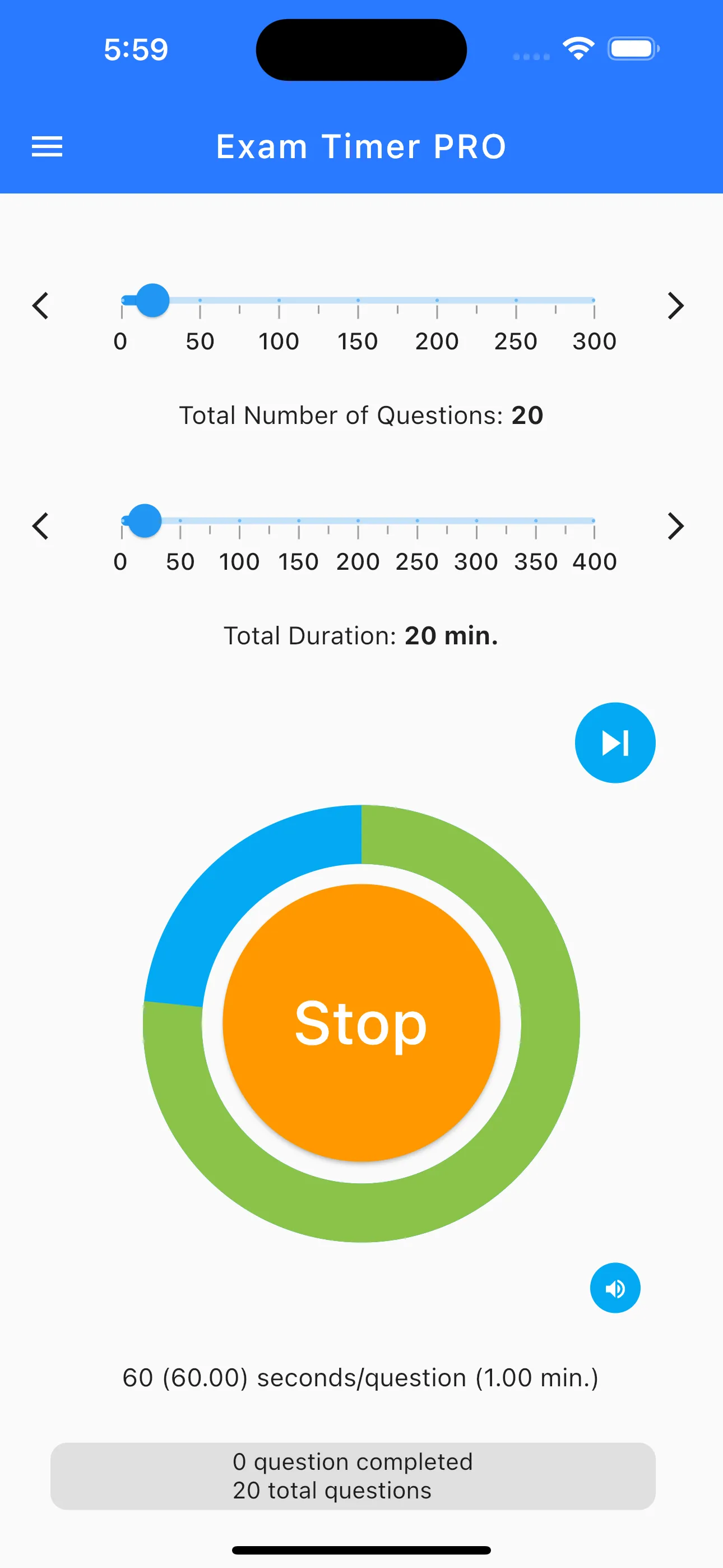
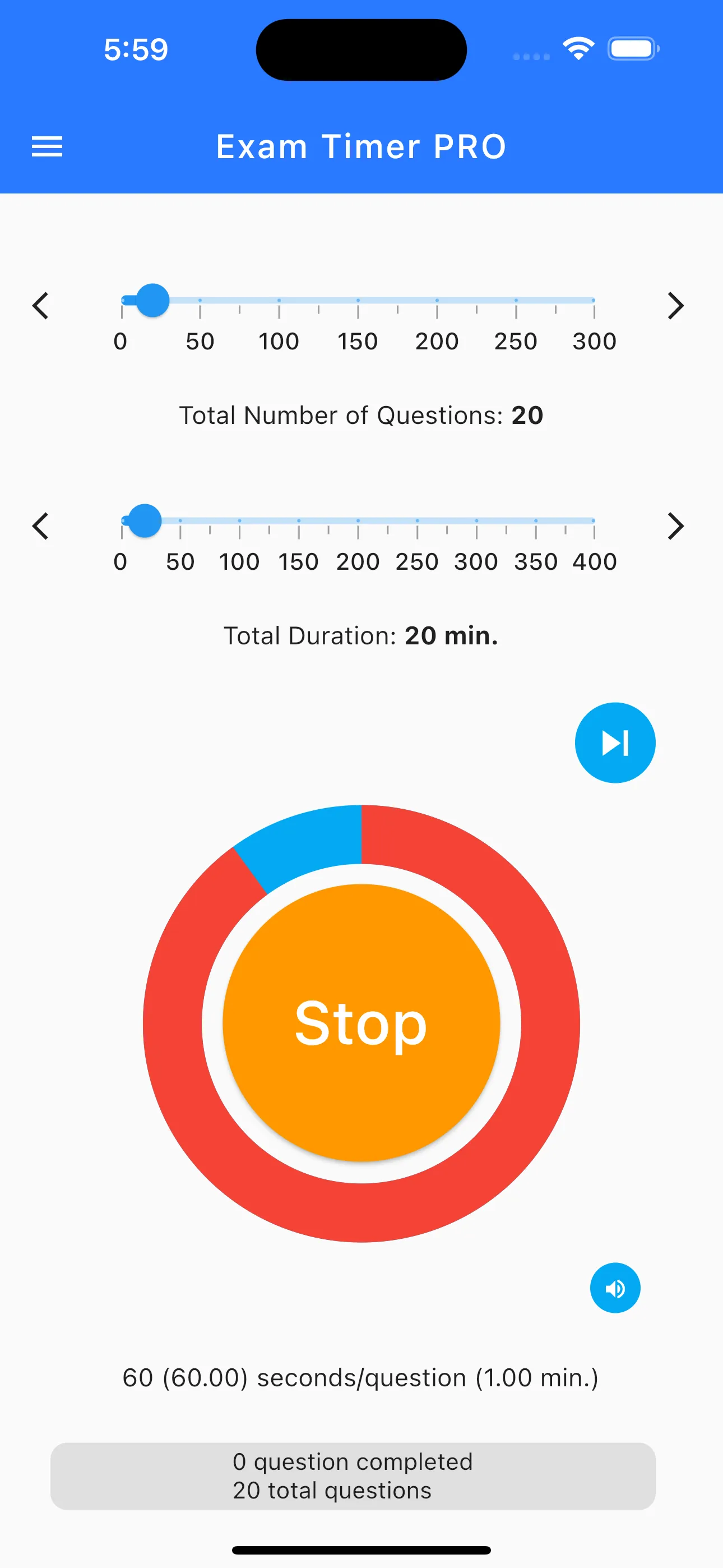
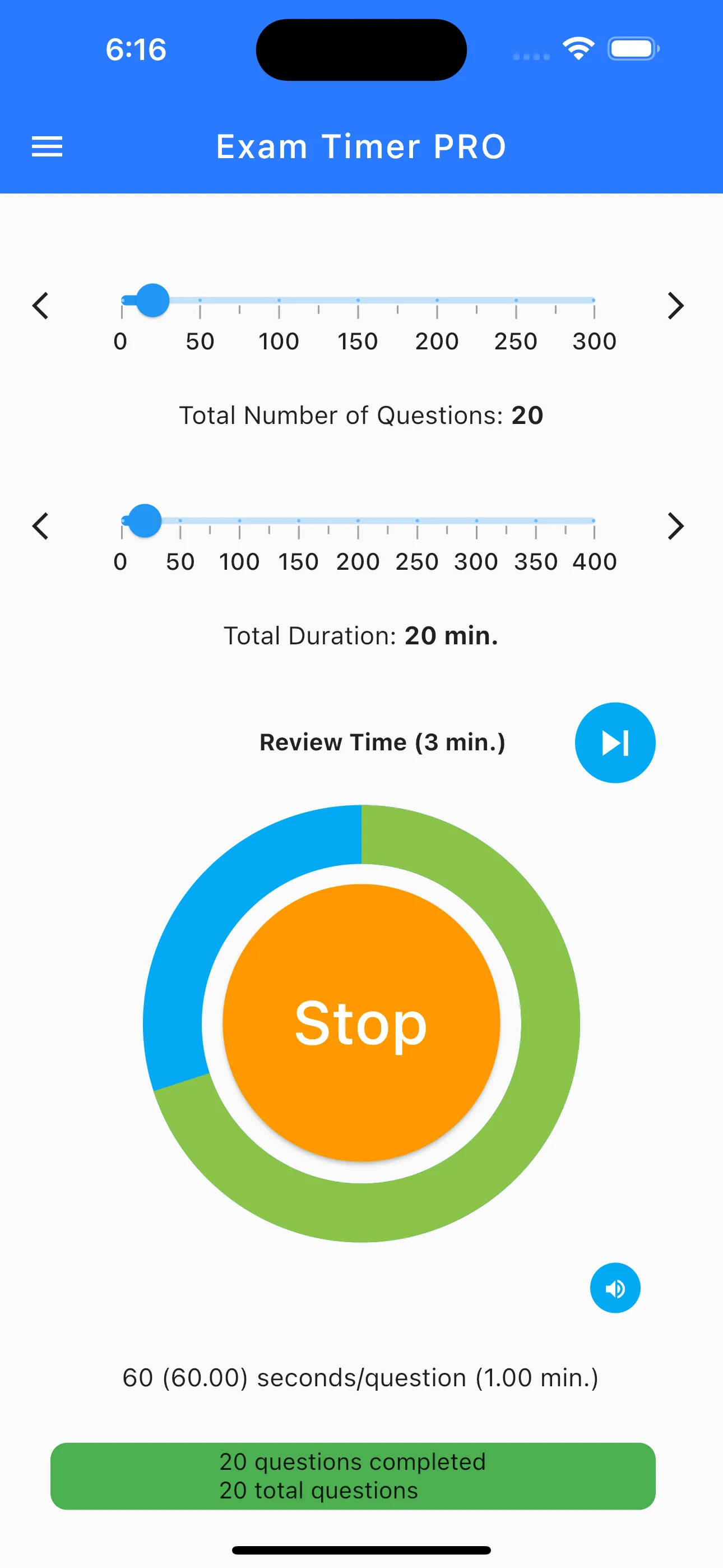
When you are deeply focused on a complex problem, the last thing you need is a pop-up advertisement breaking your concentration. The PRO version guarantees a completely ad-free experience. Like the standard version, we have replaced stressful ticking seconds with a calming graphical timer. A visual progress bar shows exactly where you should be, helping you stay on pace effortlessly and reducing test anxiety.

Effortless Tracking and Setup

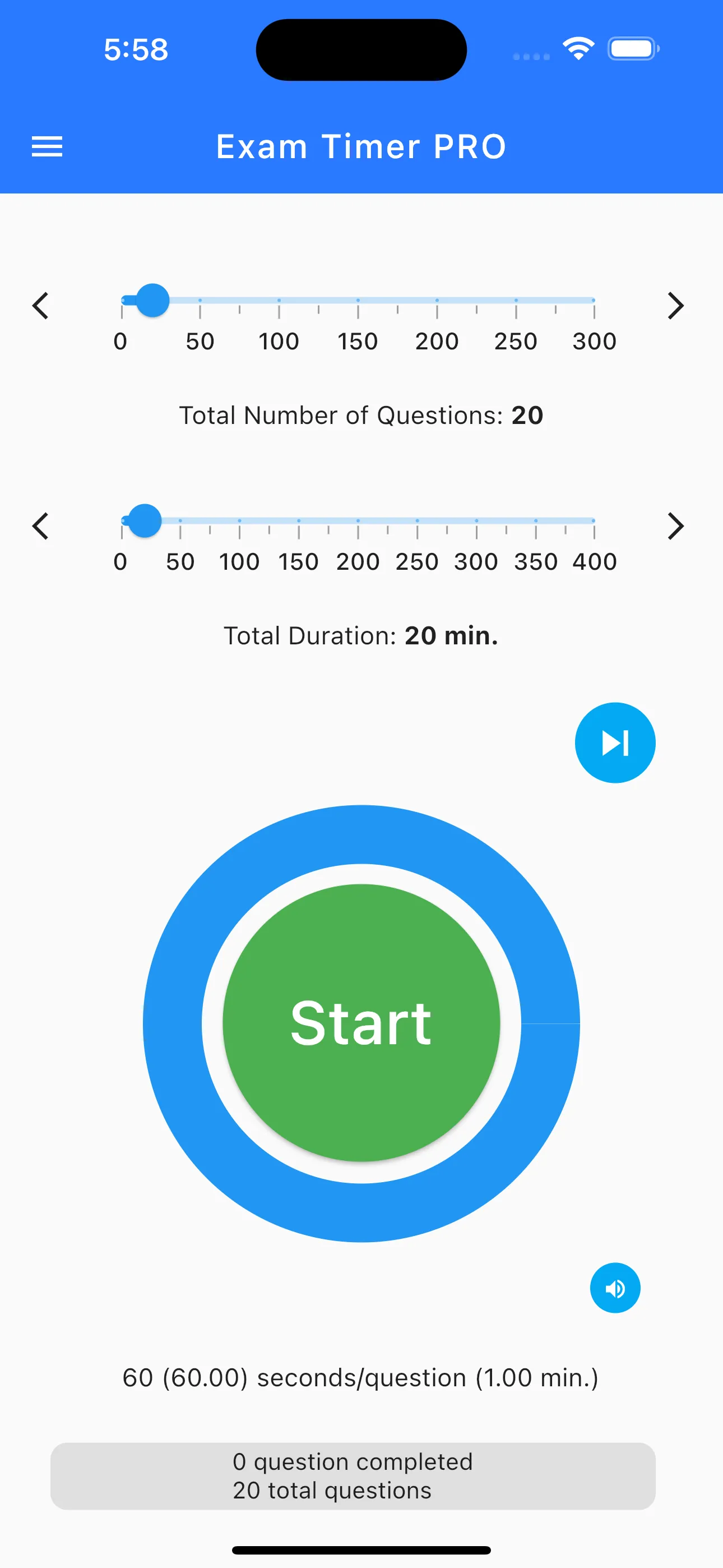
Preparation should be simple. With an intuitive interface, simply enter the total number of questions and your allotted time limit. The app calculates the exact time per question automatically. Tap Start, and the visual countdown begins. Focus entirely on your practice exams, track your pacing visually, and build the time-management habits necessary to ace your most important tests.

Key Features

Ad-free experience.
Auto-calculate time per question.
Graphical timer (no ticking numbers).
Visual progress tracking.
Simple interface: Questions & Time.
Distraction-free focus mode.

Frequently Asked Questions

What is the main benefit of upgrading to Exam Timer PRO?
The primary benefit is a completely ad-free, premium experience, ensuring that absolutely nothing distracts you from your intense study and practice sessions.
How does the visual progress tracking work?
As time elapses, a progress bar fills up. You simply compare your actual progress (which question you are on) to the visual bar to see if you need to speed up or slow down.
Is this a one-time purchase?
Yes, Exam Timer PRO is a one-time purchase that unlocks the premium, ad-free experience forever without any recurring subscription fees.
Does the app run in the background?
Yes, the timer will continue running if you briefly switch away from the app, allowing you to use digital study materials simultaneously.
Can I set custom time limits for different sections?
The app allows you to quickly input any number of questions and any time limit, making it easy to adapt to specific exam sections on the fly.