



Exam Timer icon

Effortless, Easy

Exam Timer

Exam Timer screenshot 1
Exam Timer screenshot 2
Exam Timer screenshot 3
Exam Timer screenshot 4
Exam Timer screenshot 5
Exam Timer screenshot 6
Exam Timer screenshot 7

Master Your Time Management for Exams

Achieving high scores in standardized tests and exams isn't just about knowledge; it's about mastering the clock. Exam Timer is the ultimate productivity tool designed to help students practice efficiently and manage their exam periods effectively. By automatically calculating the exact time available per question based on your total exam duration, this app eliminates the guesswork and helps you establish a winning pace.

Distraction-Free Visual Pacing

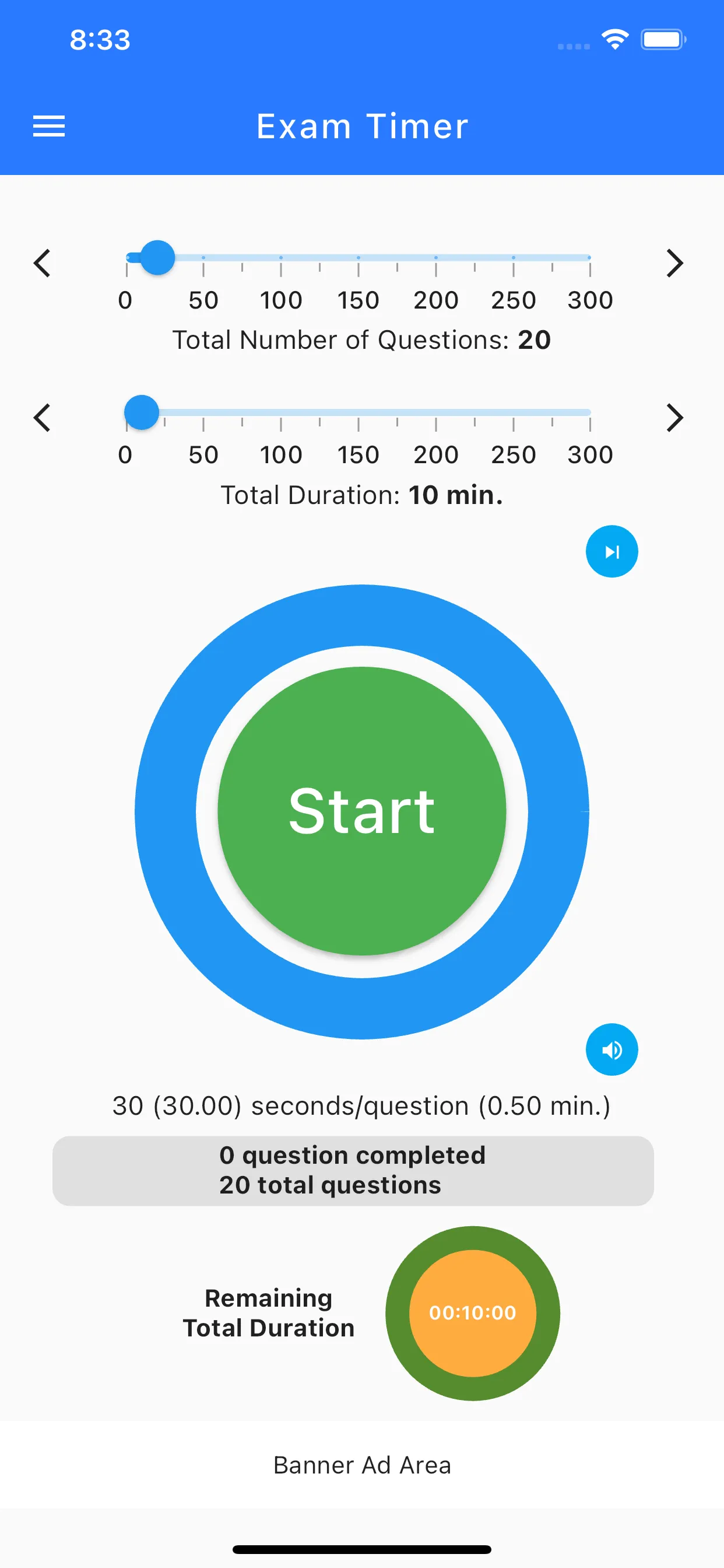
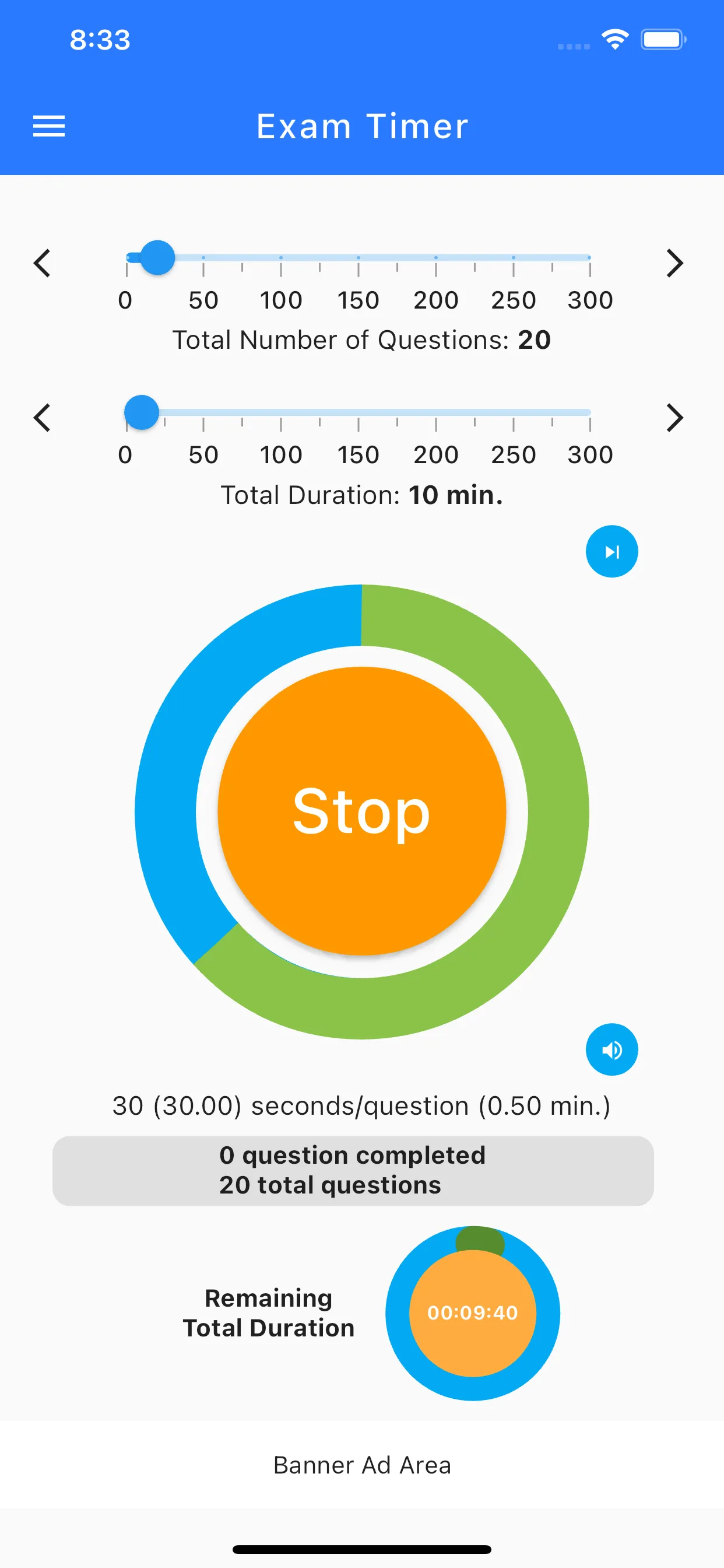
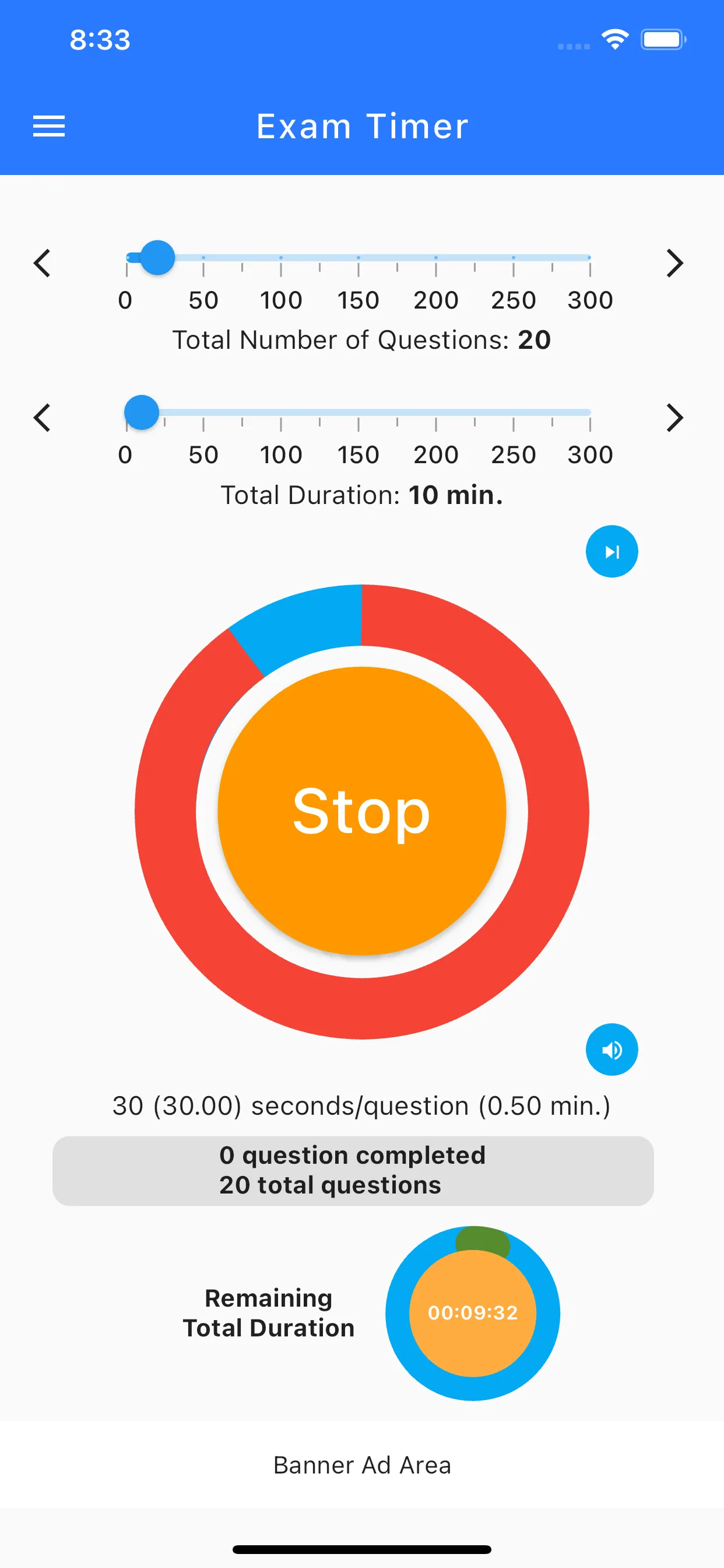
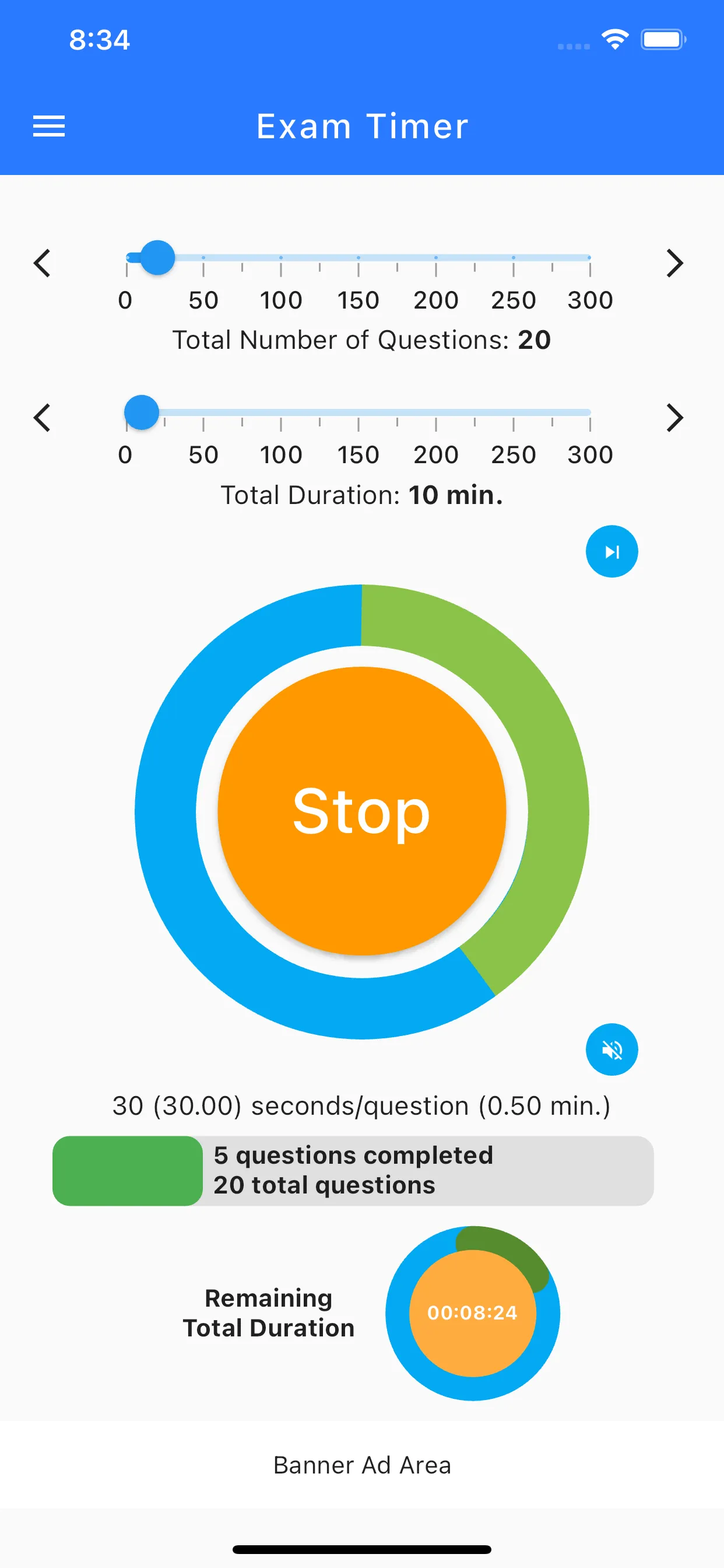
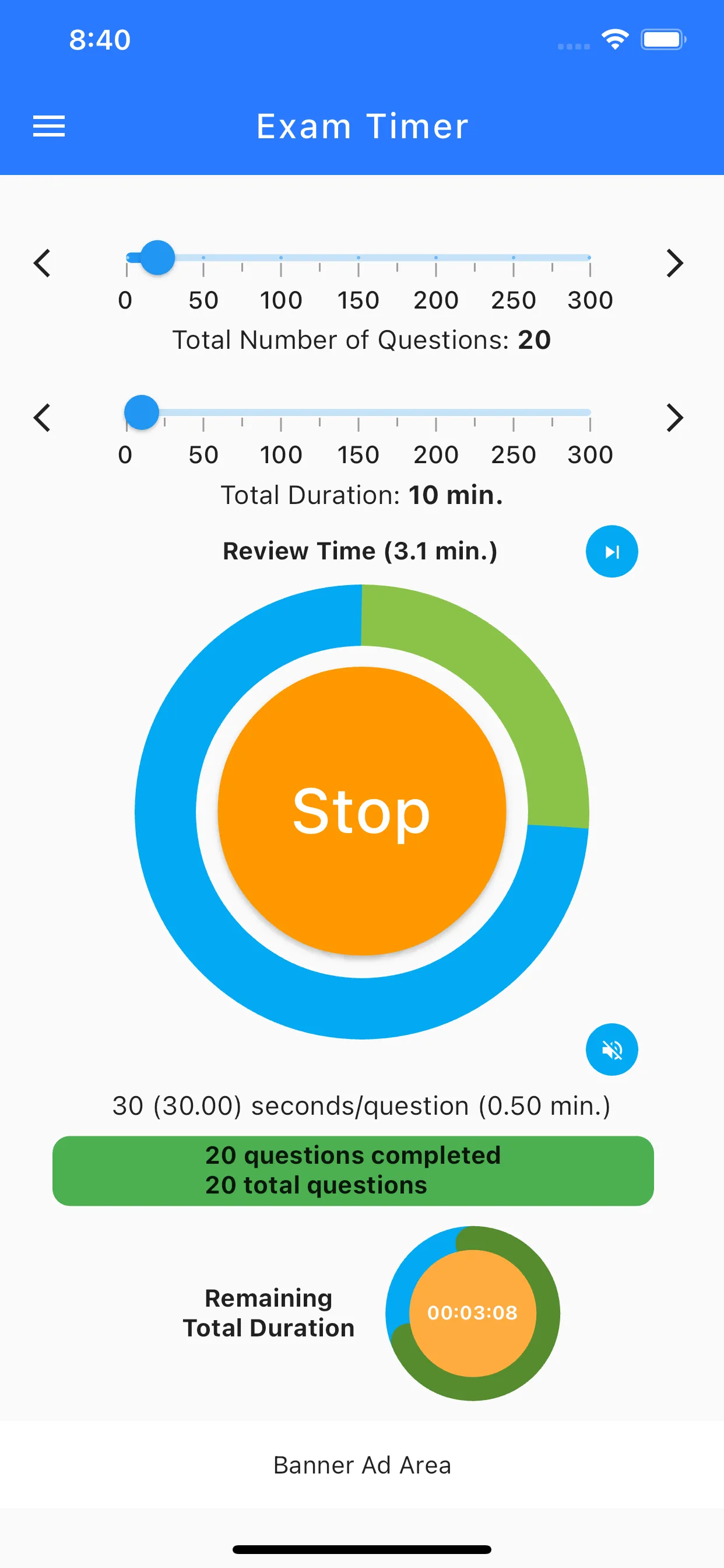
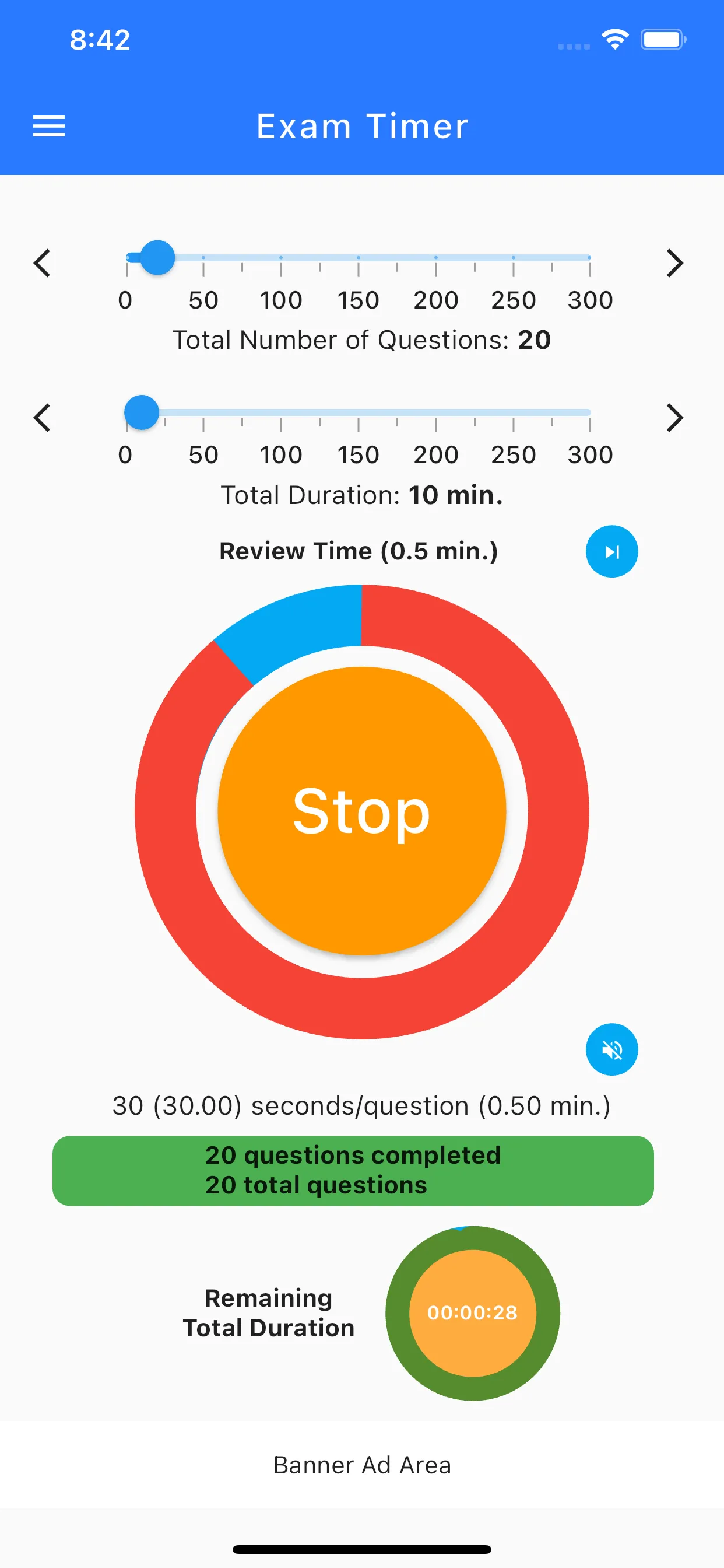
Traditional timers with ticking seconds can induce anxiety and break your concentration. Exam Timer takes a revolutionary approach: time is displayed graphically rather than numerically. Tap "Start" and let the app handle the pacing. A smooth, green progress bar visualizes your completed questions against the elapsed time, allowing you to instantly see if you are ahead or falling behind without the stress of a countdown clock.

Simple Setup for Effortless Focus

We designed the app to be as simple and effortless as possible. You only need to input two things: the number of questions and the total time allowed. The intuitive, distraction-free interface ensures that 100% of your focus remains on solving the test, not fiddling with an app. Download Exam Timer today, practice your pacing, and walk into your next exam with total confidence.

Key Features

Auto-calculate time per question.
Graphical timer (no ticking numbers).
Visual progress for solved questions.
Simple setup: Questions & Time.
Distraction-free interface.

Frequently Asked Questions

Why doesn't the timer show ticking seconds?
Research shows that constantly watching a ticking clock increases test anxiety. Our graphical progress bar helps you pace yourself calmly without the stress of ticking numbers.
Can I pause the timer if I need to take a break during practice?
Yes, the app includes basic controls allowing you to pause and resume the timer during your practice sessions.
Is the app suitable for all types of exams?
Absolutely. Whether you are studying for the SATs, university finals, or professional certification tests, as long as you know the question count and time limit, the app works perfectly.
How do I know if I am falling behind?
The visual progress bar clearly contrasts your expected progress versus the actual time elapsed. If your progress falls behind the expected line, you know you need to speed up.
Can I use the app on an iPad?
Yes, Exam Timer is fully compatible with iPads, providing a large, clear, distraction-free interface for your study sessions.